How Much Should Gig Workers Set Aside for Taxes?
The short answer: 25-30% of every payment. The detailed answer involves your income level, deductions, filing status, and state. Here is how to calculate your exact number — and automate it so you never face a surprise bill.
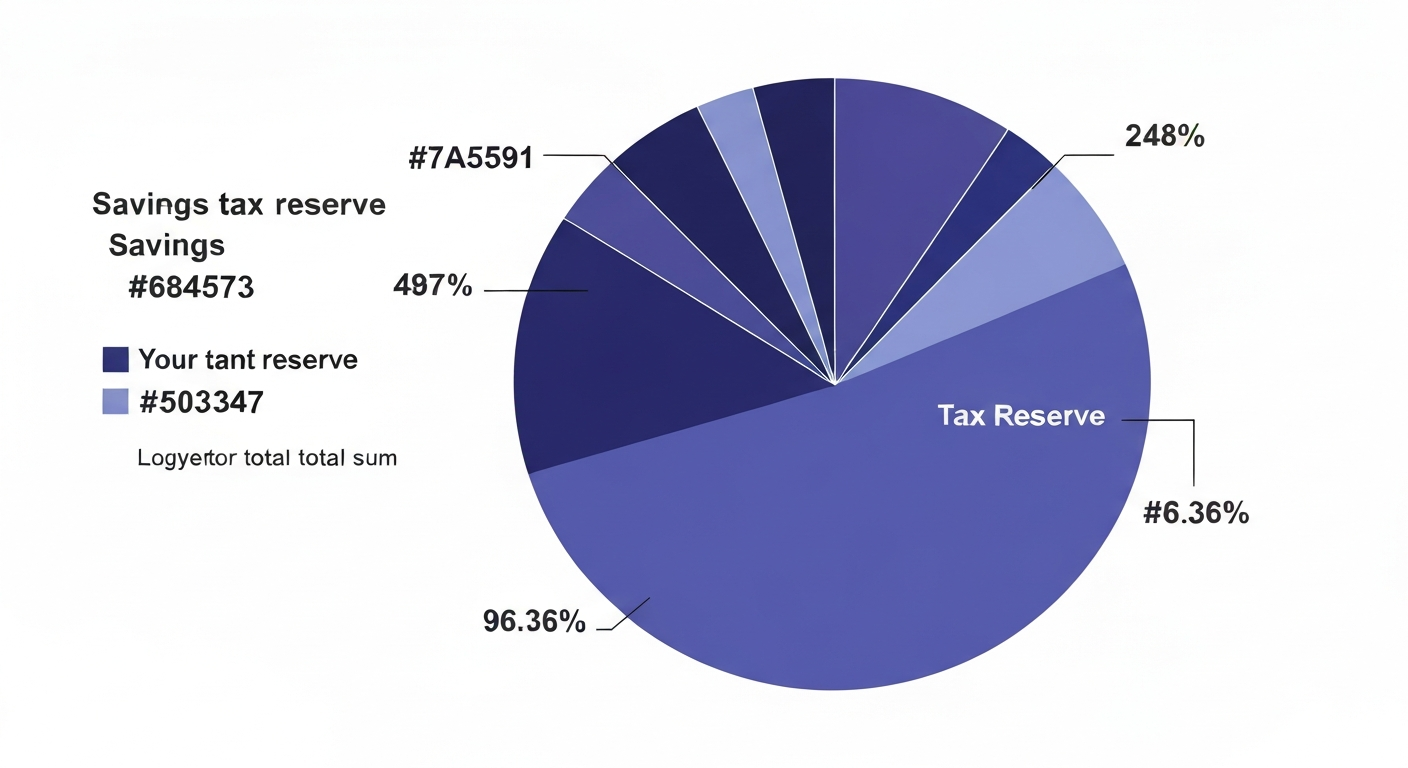
Here is a stat that keeps CPAs busy every April: 58% of gig workers owe money at tax time, with the average underpayment hitting $3,400, according to IRS data. The cause is simple: unlike W-2 employees whose taxes vanish silently from each paycheck, gig workers receive the full amount and must discipline themselves to reserve the tax portion. Most do not reserve enough — or anything at all — until the quarterly deadline arrives.
The 25-30% Rule: Why It Works
The often-quoted 25-30% rule exists because it covers both layers of gig worker taxation:
- Self-employment tax: 15.3% on net earnings (the employer + employee portions of Social Security and Medicare)
- Federal income tax: 10-22% for most gig workers (marginal rate after deductions)
- Combined: 25-37% effective rate depending on income level
Setting aside 30% provides a buffer — you will likely get a small amount back rather than owe more. Here is how the math breaks down by income level:
- $30,000 net earnings: ~22% effective rate → set aside 25% ($7,500/year, $625/month)
- $60,000 net earnings: ~27% effective rate → set aside 28% ($16,800/year, $1,400/month)
- $100,000 net earnings: ~31% effective rate → set aside 30% ($30,000/year, $2,500/month)
- $150,000+ net earnings: ~34% effective rate → set aside 33%
These percentages assume single filing status and the standard deduction. If you have significant business deductions, your effective rate decreases — see the complete 2026 tax guide for deduction details.

The Instant Transfer Method
Knowing the percentage is useless without a system to enforce it. The Instant Transfer Method makes tax savings automatic:
- Open a dedicated "Taxes" savings account — separate from checking, separate from other savings
- Every time you receive a payment, immediately transfer 28% to the Taxes account
- Never touch this account except for quarterly estimated payments
- Set calendar reminders 2 weeks before each quarterly deadline
The psychological trick: once money is in a separate account labeled "Taxes," your brain stops counting it as spendable. You budget and live off the remaining 72% — which is your actual take-home pay. This reframing prevents the most common gig worker mistake: spending the tax portion and then scrambling when deadlines arrive.
Treat your tax reserve like rent — it is non-negotiable, it leaves your checking account immediately, and spending it means facing consequences you cannot negotiate away.
State Taxes: The Extra Layer
The 25-30% rule covers federal taxes only. If you live in a state with income tax, add the state rate:
- No state income tax: TX, FL, NV, WA, WY, SD, AK, TN, NH — stick with 25-30%
- Low state tax (1-5%): AZ, CO, NC, IN, MI — add 3-4% (total: 28-34%)
- Medium state tax (5-8%): GA, VA, OH, NJ, MN — add 5-6% (total: 30-36%)
- High state tax (8-13%): CA, NY, OR, HI — add 8-10% (total: 33-40%)
A California gig worker earning $80,000 net should set aside approximately 35-38% of every payment to cover federal SE tax, federal income tax, and California state income tax. This feels high — but it is the actual cost of self-employment in a high-tax state. Better to know upfront than face a $5,000+ surprise bill in April.
How Deductions Reduce Your Tax Reserve
Business deductions directly reduce how much you owe — and therefore how much you need to set aside. Here is the impact:
- $10,000 in deductions at a 30% effective rate saves $3,000 in taxes
- That means you can safely reduce your set-aside percentage by 3-5% if you track deductions consistently
- But ONLY if you actually track them — untracked deductions do not help at tax time
This is why expense tracking is a tax strategy, not just an awareness tool. A gig worker who tracks $15,000 in annual deductions (mileage, home office, phone, health insurance) saves approximately $4,500 in taxes compared to one who files with only the standard deduction. Using a WhatsApp expense tracker makes this effortless — log business expenses as they happen, and your tax-time deduction total calculates itself.
Common Mistakes That Lead to Tax Surprises
Avoid these errors that catch gig workers off guard:
- Forgetting SE tax exists: W-2 workers never see their employer's 7.65% contribution. As a gig worker, you pay both halves — 15.3% before income tax even starts.
- Using gross income to budget: If you earn $5,000 and budget it all for living expenses, you have already spent your tax money. Always calculate from post-set-aside amount.
- Ignoring quarterly deadlines: The IRS charges penalties for underpayment — currently around 8% annualized. Paying annually instead of quarterly costs you an unnecessary penalty.
- Not adjusting for income increases: If your gig income grows, your tax bracket increases. A worker who earned $50K last year but $80K this year needs a higher percentage set-aside.
- Mixing personal and business expenses: Without clear separation, deductions become indefensible in an audit. Track business expenses separately from day one.
Automating Your Tax Reserve with AI
The best system requires zero willpower. Here is the automated approach:
- Track income: Log every gig payment via WhatsApp ("client payment $2,400")
- Auto-calculate: AI applies your personal percentage and tells you how much to transfer
- Track expenses: Log business costs daily — AI categorizes as deductible or personal
- Quarterly summary: AI totals your income, deductions, and recommended quarterly payment
- Annual export: All data organized for your CPA or tax software
This approach works with your gig worker budget — the AI knows your income is variable and adjusts recommendations based on actual earnings, not projections. According to the National Bureau of Economic Research, automated savings mechanisms increase compliance rates by 73% compared to manual approaches.
Your Action Plan: Start Today
Do not wait for your next payment. Take three actions right now:
- Open a "Taxes" savings account at your bank (takes 5 minutes online)
- Set your percentage: 25% (income under $40K), 28% (income $40-80K), 30% (income $80K+), adjust up for state tax
- Start tracking: Set up kNexo and log your next gig payment — the AI will remind you how much to transfer
The difference between gig workers who thrive and those who dread April is not income level — it is systems. A $30K freelancer with automated tax savings sleeps better than a $100K freelancer who spends everything and scrambles quarterly. Build the system today; trust it tomorrow.
Frequently Asked Questions
What percentage should gig workers save for taxes?
Most gig workers should set aside 25-30% of every payment. This covers 15.3% self-employment tax plus federal income tax. Add 3-10% more if you live in a state with income tax. Higher earners need higher percentages due to progressive brackets.
Should I set aside taxes from gross or net income?
Set aside from gross payments received using 25-28%, OR from net income (after expenses) using 28-30%. Both yield similar results. Gross is simpler — transfer immediately when paid, before spending anything.
What happens if I do not set aside enough for taxes?
The IRS charges underpayment penalties of approximately 8% annualized. You face a large April bill that may require borrowing or payment plans with interest. Prevention through automated set-asides is far cheaper than the consequences.
Can deductions reduce how much I need to set aside?
Yes. Every dollar of legitimate deductions reduces taxable income. $10,000 in deductions saves approximately $3,000 in taxes. But only tracked deductions count — use an expense tracker year-round to maximize this benefit.
Ready to take control of your finances?
kNexo turns AI into your money copilot — right inside WhatsApp. Free forever, no credit card.
Create free account