AI Expense Tracker: How Automation Is Replacing Manual Logging in 2026
Manual expense tracking has a 90-day dropout rate that would make any product manager wince. AI is solving the consistency problem — but not all implementations are equal.
The average American makes 70+ financial transactions per month across credit cards, debit cards, subscriptions, and cash. Manually categorizing each one is about as sustainable as hand-washing 70 dishes when you have a dishwasher. You can do it. You will hate it. You will eventually stop According to Deloitte state of AI 2024, this aligns with broader consumer-finance trends.
AI expense trackers automate the categorization, surface spending patterns you did not notice, and predict upcoming expenses before they hit. The technology has improved dramatically since early implementations that misclassified everything. The 2026 generation of AI trackers gets categorization right roughly 92-95% of the time out of the box, and improves with use.
What AI Actually Does in Expense Tracking
The term "AI" gets overused in fintech marketing. Here is what genuinely AI-powered expense tracking looks like versus what is just marketing:
Real AI Features
- Learning categorization. The system improves from your corrections. Reclassify "Amazon" from "Shopping" to "Office Supplies" three times, and it starts doing it automatically. This requires actual machine learning, not just a lookup table.
- Anomaly detection. Flags transactions that deviate from your patterns — a $400 charge at a merchant where you usually spend $40, or a new recurring charge you did not authorize.
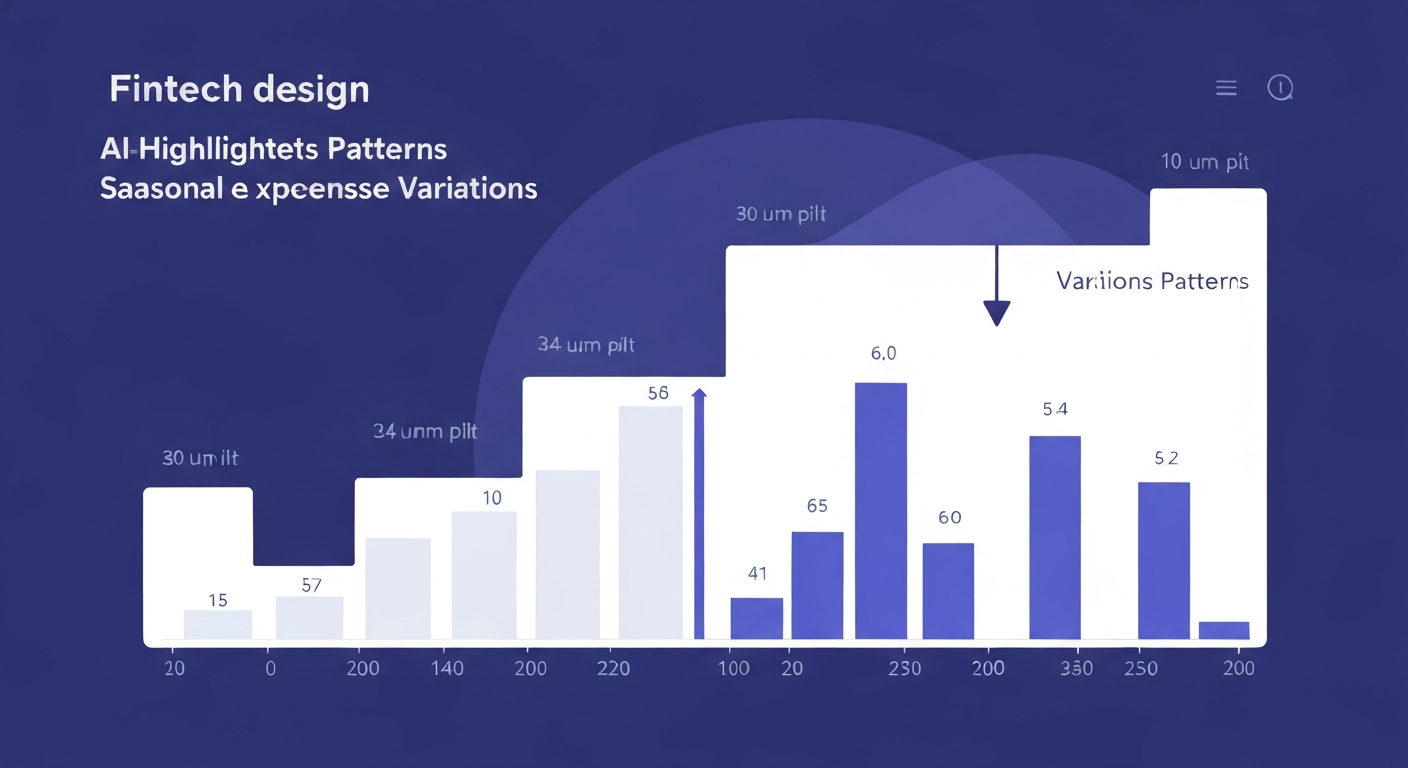
- Predictive modeling. Forecasts upcoming expenses based on historical patterns, including seasonal variations (higher electricity in summer, holiday spending in December).
- Natural language processing. Understanding "coffee $4.50 starbucks" from a WhatsApp message and categorizing it correctly.
Not Actually AI
- Static category rules ("Whole Foods" always equals "Groceries")
- Canned insights ("You spent more on dining this month")
- Basic charts and reports
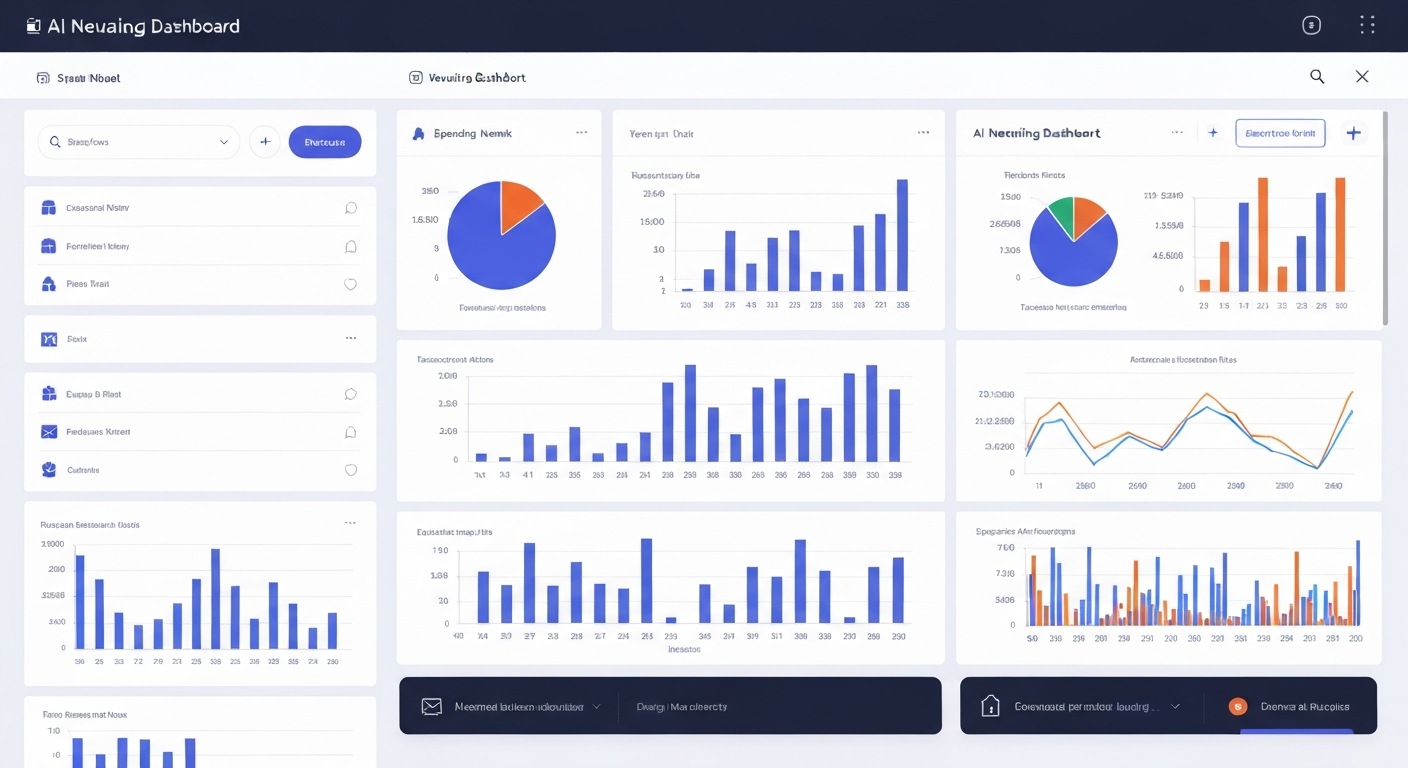
The Best AI Expense Trackers in 2026
1. kNexo — Best for WhatsApp-Native Tracking
kNexo combines AI categorization with WhatsApp integration, making it the lowest-friction expense tracker available. Send "lunch $12 chipotle" via message and the AI categorizes it, updates your budget, and responds with your remaining daily budget. Bank sync handles automated transactions while WhatsApp captures cash expenses.
The gamification layer adds streaks for consistent tracking and achievements for hitting budget goals. Free tier includes 10 AI categorizations per month; **Pro** ($19.90/month annual) unlocks unlimited.
2. Copilot Money — Best for Subscription Detection
Copilot excels at finding recurring charges — subscriptions you forgot, fee increases from providers, and duplicate charges. The AI categorization is strong. Limited to iOS only with no family features.
3. Monarch Money — Best for Multi-Account Aggregation
Connects to more financial institutions than most competitors. The AI categorization across accounts is solid, and the unified dashboard shows your complete financial picture. Weaker on engagement and automation.
4. Expense AI — Best for Receipt Scanning
Focuses specifically on receipt capture and extraction. Point your camera at a receipt and the AI extracts merchant, amount, date, and categories automatically. Strong for people who deal with lots of physical receipts. Limited budgeting features beyond tracking.
How AI Expense Tracking Actually Works
Understanding the mechanics helps you evaluate which tools are genuinely intelligent versus marketing-first:
- Data ingestion. The app connects to your bank via Plaid, MX, or similar aggregators. Transactions arrive with merchant name, amount, date, and a generic category code from the bank.
- Feature extraction. The AI examines the merchant name, transaction amount, time of day, frequency, and your history with similar merchants to build a categorization prediction.
- Classification. A machine learning model assigns a category with a confidence score. High-confidence classifications happen silently. Low-confidence ones may prompt you to confirm.
- Feedback loop. When you correct a categorization, that correction trains the model for future transactions. This is the key differentiator — apps without this feedback loop are not truly AI.
- Pattern analysis. Over time, the AI identifies spending trends, recurring patterns, and anomalies that feed into insights and predictions.
The WhatsApp Advantage
Bank sync captures most transactions automatically, but it misses cash expenses, splits with friends, and reimbursable purchases that need special categorization. The traditional solution is opening the app and manually adding these. The adoption rate for manual additions drops below 30% after the first month.
WhatsApp-based tracking solves this by meeting users where they already are. You send a message. The AI processes it. No app switching, no forms to fill out. kNexo's WhatsApp integration handles both logging and queries — you can ask "how much did I spend on food this week?" and get an instant answer in the same chat.
Privacy and Security Considerations
Connecting financial accounts to an AI tool raises legitimate security questions. Here is what to verify before connecting your accounts:
- Read-only access. The app should never be able to move money or make transactions. Aggregators like Plaid provide read-only connections by default.
- 256-bit encryption. Standard for any reputable financial app.
- SOC 2 compliance. Indicates the company follows security best practices for handling financial data.
- Data retention policy. Know how long the app keeps your data and whether you can delete it completely.
If you prefer not to connect bank accounts at all, kNexo works with WhatsApp-only manual logging. The AI still categorizes and analyzes your spending; it just relies on your input rather than bank feeds. Check the AI budgeting apps overview for a broader comparison of security practices across tools.
Frequently Asked Questions
How to track expenses using AI?
Connect your bank accounts to an AI expense tracker like kNexo. The AI automatically categorizes transactions, learns from your corrections, and identifies spending patterns. For cash expenses, log them via WhatsApp message — the AI categorizes those too.
Can AI do expense reports?
Yes. AI expense trackers can generate categorized spending reports, identify trends over time, flag unusual transactions, and predict upcoming expenses. kNexo's advanced analytics on the Plus plan provide detailed breakdowns by category, time period, and merchant.
What is the best AI to use for personal finance?
For expense tracking and budgeting, kNexo combines AI categorization with gamification and WhatsApp integration. For investing, tools like Wealthfront and Betterment use AI for portfolio management. For comprehensive financial planning, PocketSmith offers AI-powered forecasting.
Is Expensify still free?
Expensify offers a limited free plan for basic receipt scanning. Full features require $5-9/user/month. For personal AI expense tracking, kNexo's free tier includes AI categorization and bank sync with no expiration.
Stop categorizing. Start understanding.
kNexo's AI handles the sorting. You focus on the insights that actually change your spending.
Start free