AI WhatsApp Budget Tracker: How It Works Under the Hood
You send a message. Your expenses get categorized. Insights appear. But what happens between your text and that perfectly sorted spending report? Here is the technology that makes AI WhatsApp budget tracking possible.
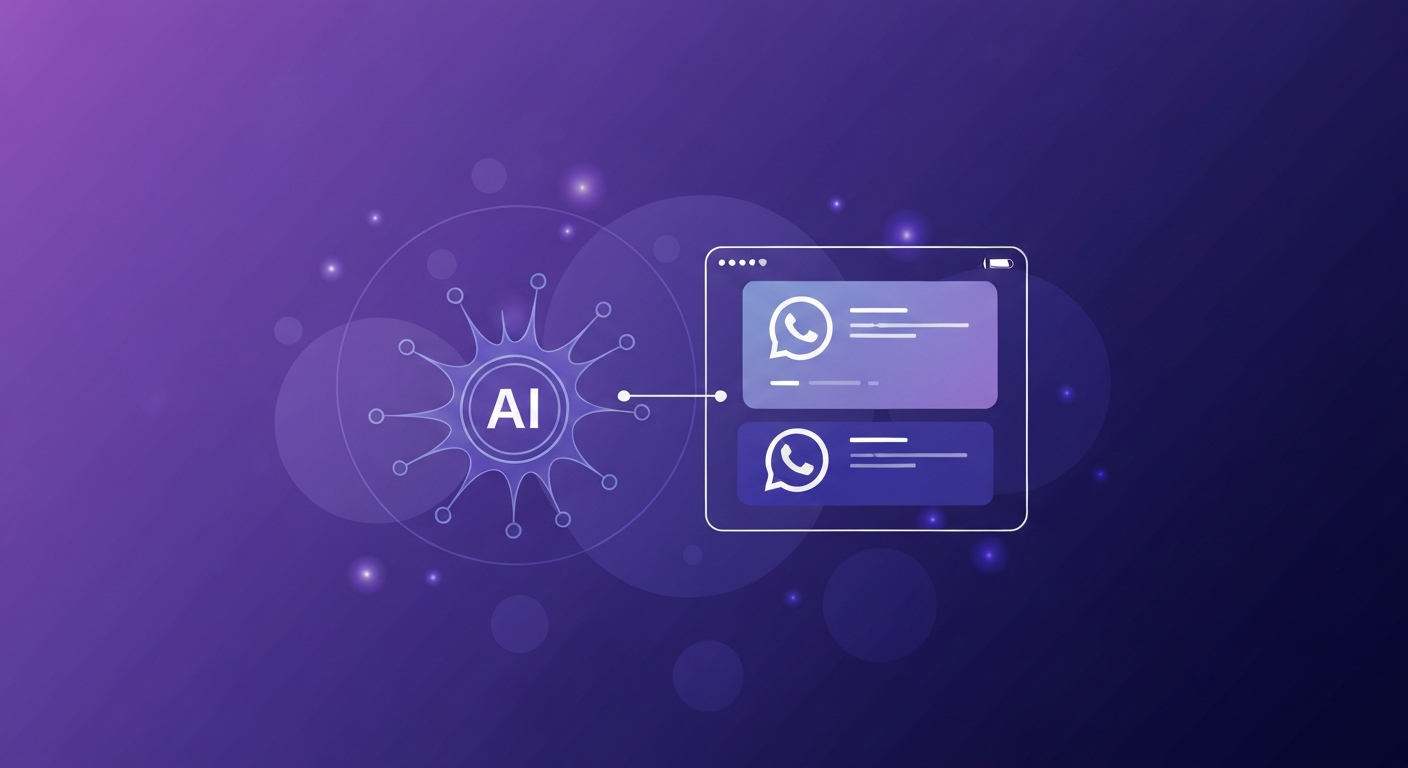
The idea of tracking expenses through chat sounds almost too simple. But the AI WhatsApp budget tracker behind that simplicity is a sophisticated system combining natural language processing, pattern recognition, and behavioral learning. Understanding how it works helps you trust the system — and use it more effectively. According to McKinsey research, AI-powered financial tools reduce manual data entry errors by 87% compared to human-only input.
The Three-Layer Processing Pipeline
When you send a message like "grocery store $62.40" to your WhatsApp expense tracker, three processing layers activate within milliseconds:
Layer 1: Input Recognition
The AI first determines what kind of input you sent:
- Text message: Parsed for amounts (regex + NLP), merchant names, and contextual cues
- Voice note: Transcribed via speech-to-text, then processed as text
- Receipt photo: OCR extracts line items, totals, merchant name, and date
This multi-modal input handling means you can track expenses however feels most natural in the moment — typing at your desk, speaking while driving, or snapping a receipt while walking out of a store.
Layer 2: Semantic Understanding
Once the raw data is extracted, the NLP engine determines meaning. "Uber to dentist" is Transportation (not Healthcare). "Target" could be Groceries, Clothing, or Home — the AI uses your history and the amount to disambiguate. After 2 weeks of usage, categorization accuracy typically reaches 95%+ because the system learns your specific patterns.
Layer 3: Contextual Intelligence
The final layer adds intelligence beyond simple logging:
- Compares this expense to your typical spending in this category
- Calculates remaining budget for the day/week/month
- Identifies patterns ("You spend 30% more on weekends")
- Generates the confirmation message with relevant context

Why AI Beats Manual Categorization
Manual expense tracking has a fatal flaw: it relies on willpower. Every transaction requires a decision — what category? which account? should I round up? These micro-decisions create cognitive load that accumulates throughout the day. Research from the American Psychological Association shows that decision fatigue directly reduces our capacity for self-regulation — the exact capacity needed to stick to a budget.
An AI WhatsApp budget tracker eliminates these decisions entirely. You provide the raw data (a quick text), and the AI handles everything else. The result is dramatically higher consistency — users log expenses 4x more often when the only action required is sending a message versus opening an app, finding the right screen, selecting a category, and entering an amount.
The best financial tools remove decisions, not just friction. AI categorization means you spend mental energy on earning and living — not on sorting expenses into buckets.
The Learning Loop: How Your Tracker Gets Smarter
Every interaction improves the AI. Here is the learning cycle:
- Initial categorization: AI assigns a category based on general patterns
- User feedback: If you correct a category, the AI records the correction
- Pattern adaptation: After 3-5 corrections of the same type, the AI permanently adjusts
- Proactive refinement: AI asks clarifying questions for genuinely ambiguous entries
This means a tracker you have used for 3 months is fundamentally different from one used for 3 days. It knows that your "Target" trips are always groceries, that "parking" on Tuesdays means the gym lot, and that transactions over $200 at Amazon are probably electronics, not household items.
Privacy Architecture: What the AI Can and Cannot See
A common concern with AI financial tools is data privacy. Here is exactly how a well-designed system works:
- The AI ONLY sees messages you explicitly send to the tracking service
- The AI CANNOT access your other WhatsApp chats, contacts, or media
- No bank connection required — unlike traditional apps that need bank account access
- Data stored encrypted and accessible only to your account
- You can delete any entry or your entire history at any time
This opt-in model means you maintain complete control. The 41% of consumers who avoid financial apps due to privacy concerns can use WhatsApp-based tracking without compromising their boundaries.
Real-Time Insights: From Data to Decisions
Raw tracking data becomes valuable only when transformed into actionable insights. Here is what modern AI delivers:
- Daily summaries: "You spent $47 today — $12 under your daily target"
- Anomaly detection: "Your dining spend is 45% above your monthly average"
- Predictive alerts: "At this pace, you will exceed your grocery budget by Thursday"
- Savings opportunities: "Switching your Wednesday coffee order saves $18/month"
- Natural language queries: Ask "how much on food this week?" and get instant answers
These insights arrive proactively via WhatsApp — no need to remember to check a dashboard. The AI brings relevant information to you at the moment it matters, transforming passive tracking into active financial management. This is what separates modern AI budgeting tools from traditional expense trackers.
Getting Started: Your First Week with AI Tracking
The onboarding curve for an AI WhatsApp budget tracker is essentially flat. Here is what to expect:
- Day 1-2: Log expenses as you make them. The AI is learning your patterns.
- Day 3-4: Correct any miscategorized items. Each correction trains the model.
- Day 5-7: Start asking questions ("How much this week?") and set budget targets.
- Week 2+: Enjoy 95%+ automatic accuracy and focus on insights rather than input.
By the end of week one, you will have more expense data than most people collect in a month with traditional methods — and you will have spent less than 2 minutes total on the process. That is the power of removing friction from financial tracking.
Frequently Asked Questions
How does AI categorize my expenses from WhatsApp messages?
The AI uses natural language processing to extract merchant names, amounts, and context. It matches these against trained patterns and learns from your corrections, improving to 95%+ accuracy for returning users within two weeks.
Is an AI WhatsApp budget tracker accurate?
Modern AI trackers achieve 92-97% categorization accuracy after the first week. The system learns your patterns — if you always categorize Costco as Groceries, it remembers. For ambiguous transactions, it asks rather than guesses.
Does the AI read all my WhatsApp messages?
No. The AI only processes messages you deliberately send to the tracking service. It cannot access your other conversations, contacts, media, or chat history. You initiate every interaction.
Can the AI handle multiple currencies and languages?
Yes. Advanced AI WhatsApp trackers auto-detect currencies from symbols and support multiple languages. You can mix languages in messages and the AI correctly parses both amount and category.
Ready to take control of your finances?
kNexo turns AI into your money copilot — right inside WhatsApp. Free forever, no credit card.
Create free account