WhatsApp Receipt Scanner: Snap, Send & Track Expenses Automatically
Stop losing receipts in your wallet. A WhatsApp receipt scanner turns every paper receipt into organized expense data with a single photo — no app switching, no manual entry, no excuses.
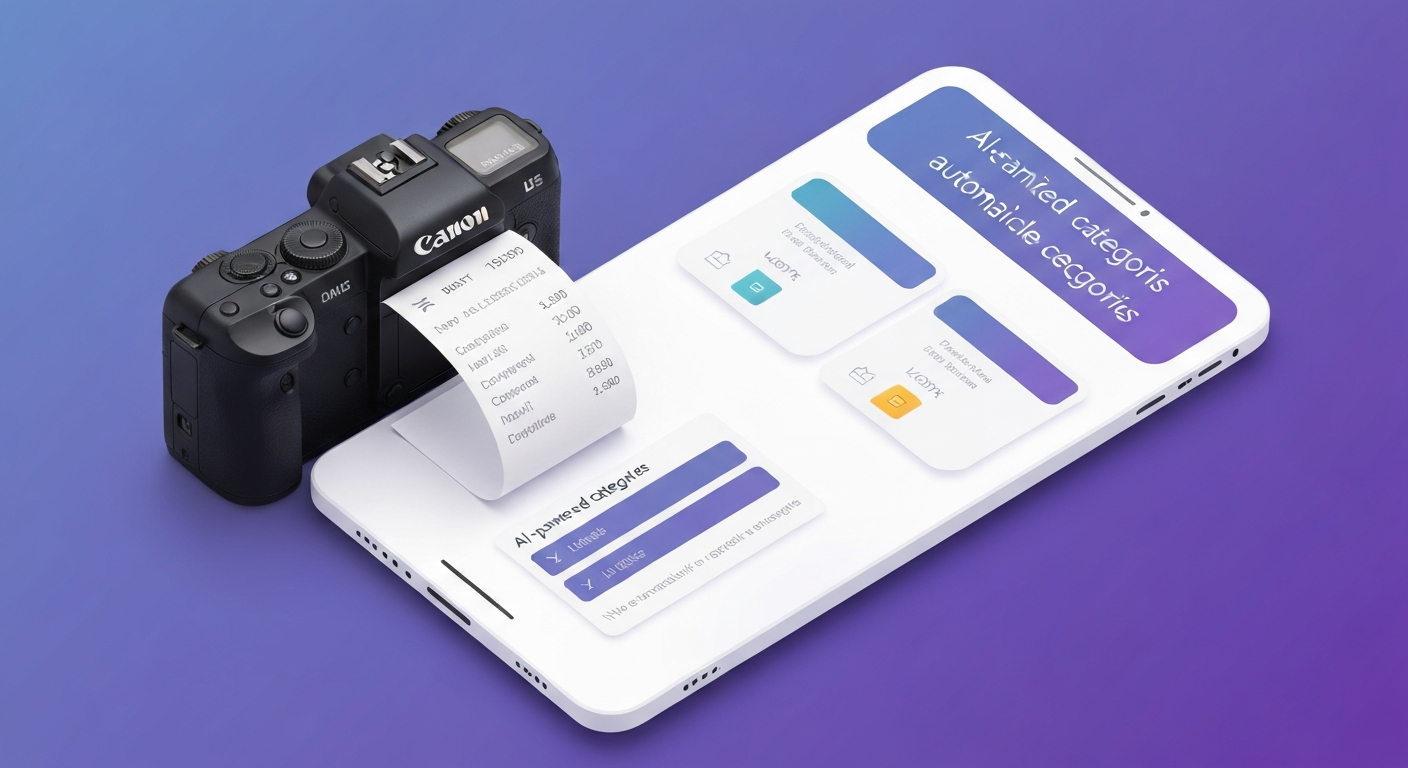
The average American receives 14 paper receipts per week. Of those, approximately 3 end up lost, 4 are never reviewed, and the rest accumulate in wallets, pockets, and car cup holders until they become unreadable faded thermal paper. According to the Consumer Financial Protection Bureau, the disconnect between earning/spending and tracking/awareness is the primary driver of financial stress. A WhatsApp receipt scanner closes that gap at the moment of purchase — before the receipt can be lost, faded, or forgotten.
How WhatsApp Receipt Scanning Works
The process takes under 5 seconds:
- Snap a photo of your receipt (any angle, any lighting — AI adjusts)
- Send it via WhatsApp to your expense tracker
- Receive confirmation within seconds: amount, merchant, category, and running total
Behind that simplicity, three layers of technology work simultaneously:
- OCR (Optical Character Recognition): Reads text from the image — merchant name, address, line items, subtotals, tax, and total
- NLP (Natural Language Processing): Interprets the extracted text to identify what is relevant (total amount, not the store phone number)
- AI Categorization: Assigns the expense to the correct category based on merchant type and purchased items
The result: a receipt that would otherwise be crumpled in your pocket becomes a categorized, searchable, tax-ready expense record in your WhatsApp expense tracker — without you typing a single character.

What Data Gets Extracted From Your Receipt
Modern receipt scanning goes far beyond just grabbing the total. Here is what the AI captures:
- Merchant name: "Whole Foods Market" (not "WFM #10847")
- Date and time: Exact transaction timestamp
- Total amount: Including tax (with tax amount separated)
- Individual line items: Each product or service purchased
- Payment method: Cash, card ending, or digital wallet
- Category assignment: Groceries, Dining, Shopping, etc.
This level of detail is impossible with manual text-based logging. When you type "groceries $47," you lose the specifics. When you scan the receipt, you retain everything — useful for budget analysis ("how much do I spend on snacks vs. staples?") and tax documentation (line-item proof for business deductions).
Receipt Scanning vs. Text Logging: When to Use Each
The smartest approach combines both methods based on the situation:
- Use text logging for: Quick purchases under $20, known amounts (subscription renewals), expenses where you know the exact total ("parking $8")
- Use receipt scanning for: Grocery runs (multiple items), business meals (need documentation), large purchases (want full detail), anything tax-deductible (IRS-ready records)
Both methods feed into the same expense history. The AI system does not care whether the data came from a text message or a photo — it categorizes and tracks identically. The choice is about your preference in the moment and the level of detail you want preserved.
A receipt photographed in 3 seconds is infinitely more useful than a receipt that lives in your wallet for 2 weeks before being thrown away unread. The standard for financial tracking should be ease, not perfection.
Tips for Better Receipt Scans
While modern OCR is remarkably tolerant, these tips maximize accuracy:
- Flat surface: Place the receipt on a table or counter — crumpling reduces readability by 15-20%
- Good lighting: Natural or overhead light without harsh shadows across the text
- Full capture: Include the entire receipt in the frame, especially the total at the bottom
- Timely scanning: Thermal paper fades — scan within 48 hours for best results
- One receipt per photo: Send separate photos for separate receipts (multi-receipt images confuse OCR)
Even with imperfect conditions, accuracy typically exceeds 90%. When the AI is uncertain about a number, it asks for confirmation rather than guessing — so your records always stay accurate. Over time, the system learns your regular merchants and improves extraction for receipts you scan frequently (your usual grocery store, gas station, etc.).
Receipt Scanning for Tax Deductions
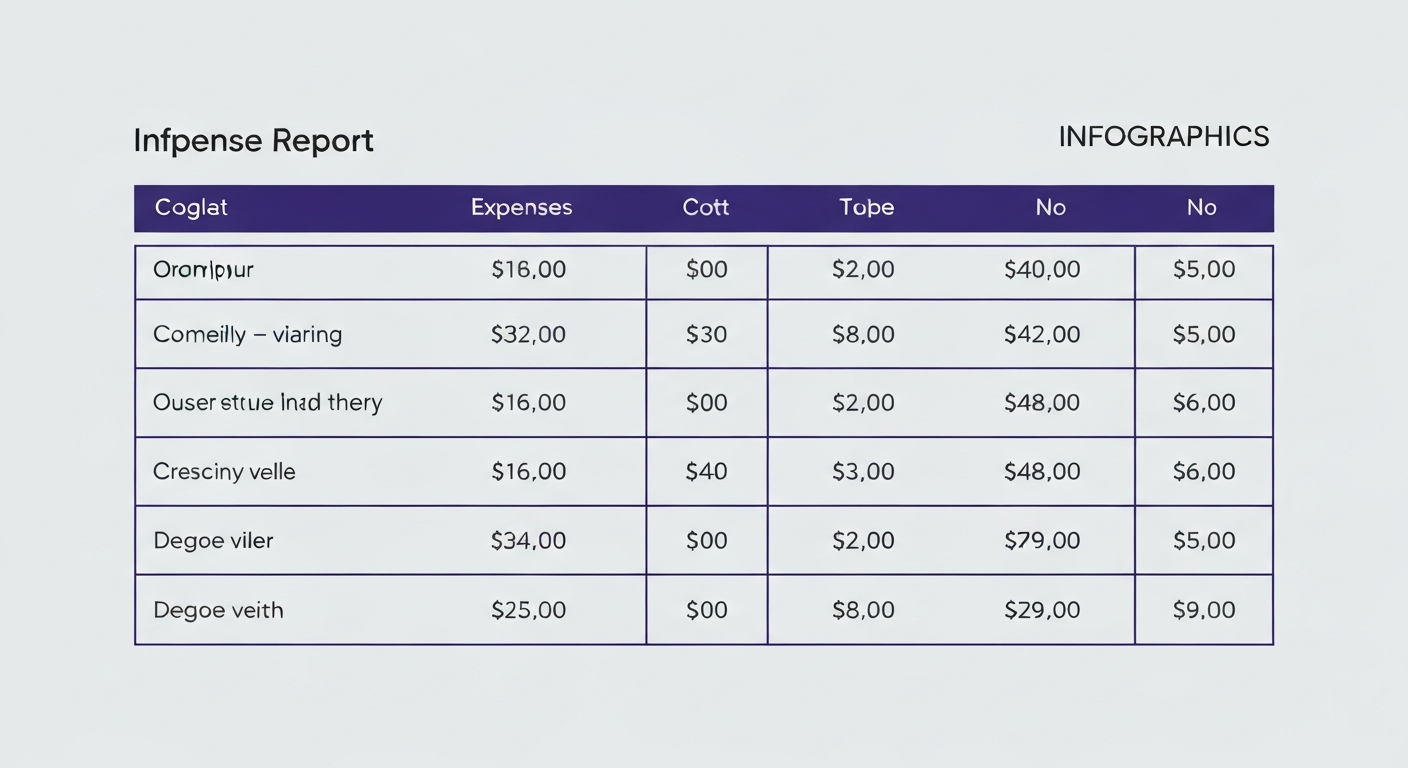
For gig workers and freelancers, receipt scanning is not just convenient — it is a tax strategy. The IRS accepts digital copies of receipts as valid documentation for business deductions. This means every receipt you scan via WhatsApp becomes:
- Audit-ready proof of a business expense
- Automatically categorized as deductible or personal
- Searchable by date, amount, or merchant — no more shoebox full of paper
- Permanently stored (paper receipts fade; digital photos do not)
A gig worker who scans business receipts throughout the year via WhatsApp arrives at tax time with pre-organized, categorized deduction records. No frantic April searches through piles of faded paper. No missed deductions because a receipt was lost. Our gig worker tax guide estimates that consistent receipt tracking saves the average freelancer $2,000-4,000 per year in deductions that would otherwise go unclaimed.
Building the Receipt Scanning Habit
The challenge is not the technology — it is the consistency. Here is how to make receipt scanning habitual:
- Create a trigger: Every time you receive a receipt, immediately open WhatsApp camera. Do not pocket the receipt.
- Batch alternative: Keep a "receipt pocket" in your wallet. Scan all receipts during your evening routine.
- Hybrid approach: Text quick purchases instantly, scan receipts only for items over $20 or business expenses
- Weekly audit: Check your expense tracker weekly — any purchases you remember but did not log? The missing ones reveal when you need to scan more consistently.
Most users report that after 2 weeks of consistent scanning, it becomes automatic — as natural as pocketing the receipt itself. The feedback loop of seeing your expenses organized and categorized reinforces the behavior. For those who need additional tracking methods, combining receipt scanning with privacy-first manual logging provides complete coverage without bank connections.
Start Scanning Today
Every receipt you do not scan is lost data — money that flowed out of your account without being recorded, analyzed, or potentially deducted. The median American has $3,200 in annual spending they cannot account for. A WhatsApp receipt scanner closes that gap one photo at a time. Your next receipt is your first opportunity — take the photo, send it, and watch your financial visibility transform.
Frequently Asked Questions
How does a WhatsApp receipt scanner work?
Snap a receipt photo and send it via WhatsApp. OCR reads the text, extracting merchant name, total, date, and line items. AI categorizes the expense and logs it to your history — all within seconds, no manual entry needed.
Can WhatsApp receipt scanning read faded or crumpled receipts?
Modern OCR handles most conditions including faded thermal paper and slight crumpling. For best results, photograph flat with even lighting. If uncertain, the AI asks you to confirm the total rather than guessing incorrectly.
Is receipt scanning better than typing expenses manually?
Receipt scanning captures more data (line items, tax, merchant address) but takes slightly longer. Use text for quick purchases and scanning for larger ones where detail matters. Both methods feed into the same expense history.
Can I use receipt scans for tax deductions?
Yes. The IRS accepts digital receipt photos as valid documentation. AI-categorized, date-stamped receipt images provide audit-ready proof of business expenses and make tax filing significantly easier.
Ready to take control of your finances?
kNexo turns AI into your money copilot — right inside WhatsApp. Free forever, no credit card.
Create free account