AI Budgeting vs Spreadsheets: Why AI Wins in 2026
You built a beautiful spreadsheet. Color-coded tabs, VLOOKUP formulas, conditional formatting. Then you stopped updating it by February. Here is why AI budget tools finally solve the consistency problem that spreadsheets never could.

For decades, the spreadsheet was the default tool for personal budgeting. Excel templates, Google Sheets with shared access, even hand-typed CSV files. According to a Federal Reserve survey on household financial well-being, only 36% of Americans feel confident they could handle a $400 emergency expense — and the budgeting tools most people use are partly to blame. Spreadsheets demand discipline, time, and formula knowledge. AI budgeting tools in 2026 demand none of that. They categorize your spending automatically, surface patterns you would never spot manually, and nudge you toward better habits without requiring a single VLOOKUP.
This is not a theoretical comparison. If you have ever abandoned a budget because consistency felt impossible, the AI vs spreadsheet question is practical and urgent. The tools have caught up to the problem — here are the five specific areas where AI budgeting outperforms spreadsheets, and what that means for your money.
1. Automation: AI Categorizes, Spreadsheets Wait for You
The fundamental weakness of spreadsheet budgeting is that it requires manual data entry for every single transaction. You buy coffee, you open the spreadsheet, you type the amount, you pick a category. Multiply that by 40-60 transactions per month for the average household, and you have a part-time data entry job.
AI budgeting tools flip this entirely. You log an expense — via a message, a photo of a receipt, or an automatic import — and the AI categorizes it instantly. Tools like kNexo let you send a WhatsApp message ("Groceries $87.50") and the AI handles the rest: category assignment, budget impact calculation, running totals. No spreadsheet cell selection, no formula updates, no manual reconciliation at month-end.
The accuracy improves over time, too. If you correct a categorization (moving a Costco purchase from "Shopping" to "Groceries"), the AI learns from that correction. A spreadsheet formula does exactly what you coded — nothing more.
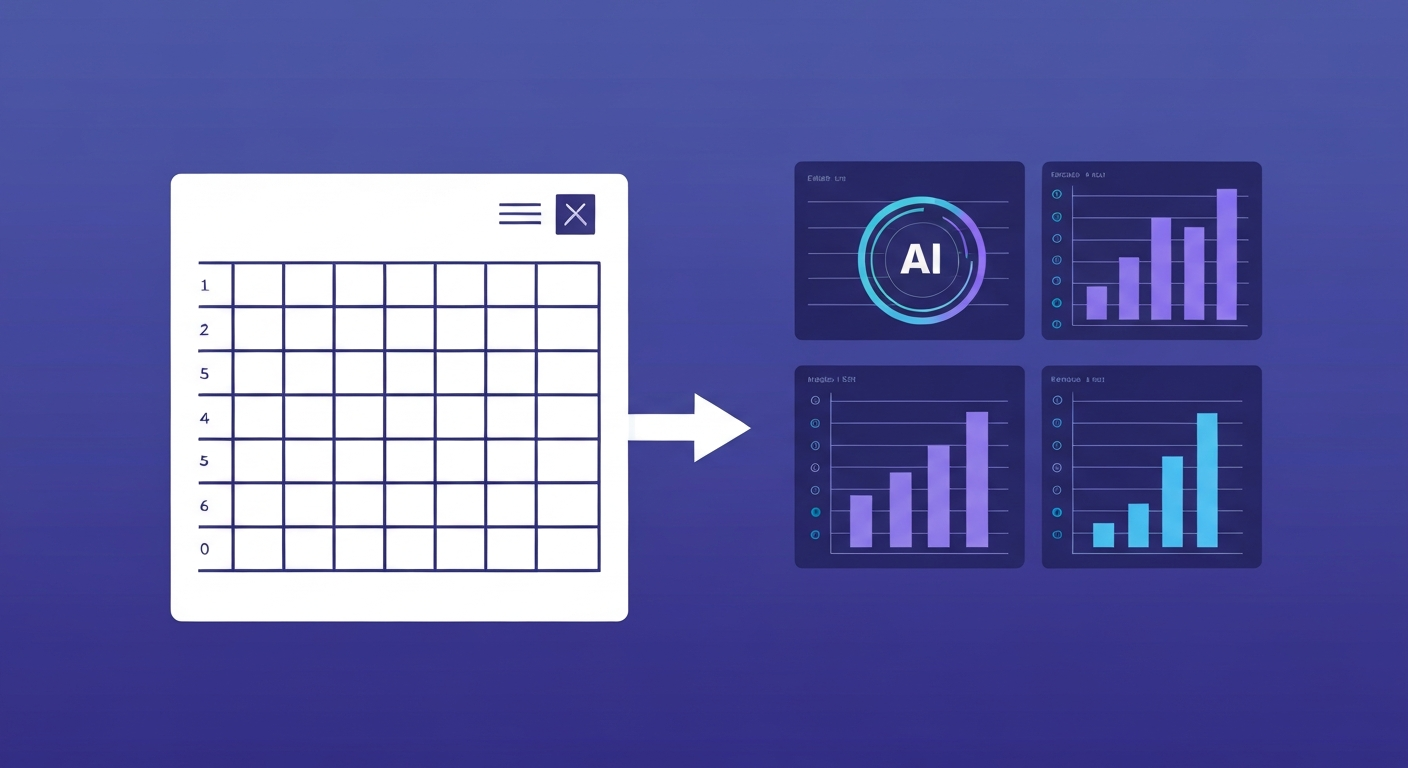
2. Insights: AI Spots Patterns That Formulas Miss
A well-built spreadsheet can tell you how much you spent on dining last month. It cannot tell you that your dining spending increases by 23% every month you travel for work, or that you tend to overspend on weekends following a stressful week. These second-order patterns — the ones that actually explain why your budget breaks — require the kind of multi-variable analysis that AI handles natively.
Research from the Pew Research Center shows that 54% of households with irregular income struggle with traditional budgeting methods. Spreadsheets assume predictable, regular patterns. AI budgeting tools adapt to variability — flagging anomalies, predicting upcoming expenses based on historical patterns, and adjusting recommendations in real time.
The real difference is not speed — it is visibility. AI budgeting shows you the financial blind spots that spreadsheets structurally cannot detect, because those blind spots live in the relationships between hundreds of data points over months of history.
As we covered in our guide to AI expense trackers, the categorization layer alone saves hours. But the insight layer — trend detection, anomaly alerts, predictive cash flow — is where the real value compounds.
3. Real-Time Feedback vs End-of-Month Reckoning
Spreadsheet budgeting is inherently retrospective. You sit down at the end of the week or month, enter your transactions, and discover that you overspent on entertainment by $180 — after the money is already gone. There is no mechanism for real-time course correction.
AI budgeting tools operate on a continuous feedback loop. When you log a transaction, the app immediately shows your remaining budget for that category, flags if you are trending above your target, and can send proactive alerts before you hit a limit. Some tools, like kNexo, deliver these insights directly to WhatsApp — the app you already check 80+ times per day — so the feedback arrives in context, not in a separate finance app you have to remember to open.
This matters because behavioral science consistently shows that immediate feedback changes behavior more effectively than delayed feedback. A spreadsheet that tells you in March that you overspent in February is information. An AI alert that tells you at 2 PM on a Tuesday that you are $40 away from your dining budget is actionable.
4. Habit Building: Gamification vs Guilt
Spreadsheets have exactly one motivational tool: the color red when you exceed a budget line. That is guilt-based motivation, and decades of behavioral research (including work published through the American Psychological Association) demonstrate that guilt is one of the weakest long-term motivators for habit change.
AI budgeting apps in 2026 use gamification — missions, streaks, rewards, and progress mechanics — to turn budgeting from a chore into something closer to a daily check-in. The psychology behind gamified budgeting is well-documented: variable rewards and visible progress indicators activate the same dopamine pathways that make social media habit-forming, except here they are pointed at your savings rate instead of your screen time.
- Missions: AI sets personalized savings challenges based on your actual spending data (not arbitrary targets)
- Streaks: Consecutive days of logging expenses build momentum and make skipping feel costly
- Rewards: Hitting milestones unlocks achievements, leaderboard positions, or real incentives
- Family mode: Shared goals turn budgeting into a household activity rather than one person's burden
A spreadsheet cannot do any of this. It is a passive container for numbers. AI budgeting tools are active participants in your financial behavior change.

5. Family and Shared Finances: Collaboration vs Shared Cells
If you have ever tried to manage a household budget in a shared Google Sheet, you know the pain: conflicting edits, someone accidentally deleting a formula, categories that mean different things to different people, and the inevitable "I forgot to log it" excuse.
AI budgeting tools designed for families — like family budget apps — solve this structurally. Each family member logs expenses independently (via their own WhatsApp, for example), the AI categorizes and aggregates everything into a unified view, and the system handles the merging without manual reconciliation. Shared goals track progress for the household while individual spending remains visible to each member.
For couples managing separate accounts — a configuration that over 40% of married couples now use — AI tools provide visibility without requiring account access. Each person logs their portion, the AI builds the combined picture, and both partners see household-level trends without surrendering financial privacy.
Head-to-Head Comparison: AI Budgeting vs Spreadsheets
| Feature | Spreadsheets (Excel / Sheets) | AI Budgeting (e.g. kNexo) |
|---|---|---|
| Transaction entry | Manual, per transaction | WhatsApp message or auto-import |
| Categorization | Manual or basic rules | AI-powered, learns over time |
| Insights | Only what you build formulas for | Automatic trend detection and alerts |
| Feedback timing | End of week/month | Real-time, per transaction |
| Habit support | None (passive data) | Gamification, missions, streaks |
| Family budgeting | Shared file (conflict-prone) | Independent logging, unified view |
| Monthly time investment | 2-4 hours | Under 10 minutes |
| Cost | Free (if you have Office/Sheets) | Free tier available, Pro from $19.90/mo |
When Spreadsheets Still Make Sense
Intellectual honesty matters. Spreadsheets are not obsolete for everyone. If you are building a custom financial model — projecting rental property cash flows, backtesting investment strategies, or running Monte Carlo simulations on retirement scenarios — a spreadsheet gives you the flexibility that no consumer AI budgeting app matches.
Similarly, if you genuinely enjoy the process of maintaining a spreadsheet and have kept one consistently for years, switching to AI may not improve your outcome. The consistency problem is solved, and the spreadsheet is working for you.
But for the estimated 70-80% of people who start a budget spreadsheet and abandon it within three months, the answer is clear. The tool was never the problem — the friction was. AI budgeting removes that friction at every step: entry, categorization, analysis, and motivation.
Making the Switch: What to Expect
Switching from a spreadsheet to an AI budgeting tool takes less time than you might expect. Most people are fully operational within a single day. You do not need to migrate historical data — the AI starts learning from your first logged transaction and builds accuracy over the first two to three weeks.
If you are currently using a spreadsheet, consider exploring how the best AI budgeting apps in 2026 compare on features that matter to you. The landscape has matured significantly, and the free tiers on most tools — including kNexo — mean you can test without financial commitment.
The question in 2026 is not whether AI budgeting is better than spreadsheets. It is whether you are willing to keep spending 2-4 hours per month on manual work that a machine handles in seconds. For most people, the answer writes itself.
Frequently Asked Questions
Is AI budgeting more accurate than spreadsheets?
Yes. AI budgeting tools automatically categorize transactions using machine learning, eliminating the manual entry errors common in spreadsheets. Manual financial tracking has a 20-30% error rate from miscategorization and forgotten entries. AI tools learn from corrections and improve over time, while spreadsheet formulas only do what you explicitly code them to do.
Can AI budgeting apps replace Excel for personal finance?
For day-to-day expense tracking and budget management, yes. AI apps handle categorization, trend analysis, and spending alerts automatically — tasks that require complex formulas and hours of manual work in Excel. The exception is users who need highly customized financial models with unique calculations.
What is the best AI budgeting tool in 2026?
It depends on your workflow. kNexo stands out for WhatsApp-native tracking with AI categorization, gamified savings missions, and family budgeting. Monarch Money offers strong dashboard-based account aggregation. YNAB remains popular for zero-based budgeting purists, though it lacks AI automation features.
Are AI budgeting apps safe to use?
Reputable AI budgeting apps use bank-level encryption and do not store banking credentials. Privacy-first tools like kNexo let you log expenses via WhatsApp messages rather than connecting bank accounts, so the AI only sees what you share. Always verify that any app uses HTTPS and has a clear privacy policy.
How much time does AI budgeting save compared to spreadsheets?
Most spreadsheet budgeters spend 2-4 hours per month on data entry and reconciliation. AI budgeting tools reduce this to under 10 minutes because categorization and analysis are automatic. Over a year, that is roughly 30-45 hours saved — time better spent on improving your financial decisions.
Ready to ditch the spreadsheet?
kNexo turns AI into your money copilot — right inside WhatsApp. Free forever, no credit card.
Create free account